Search with purpose.
Find a place by name or area. Add product, brand and service filters to make results more relevant.
Good discovery on the outside.
Thoughtful tools behind the scenes.
Search, useful filters and details that help people choose where to go.
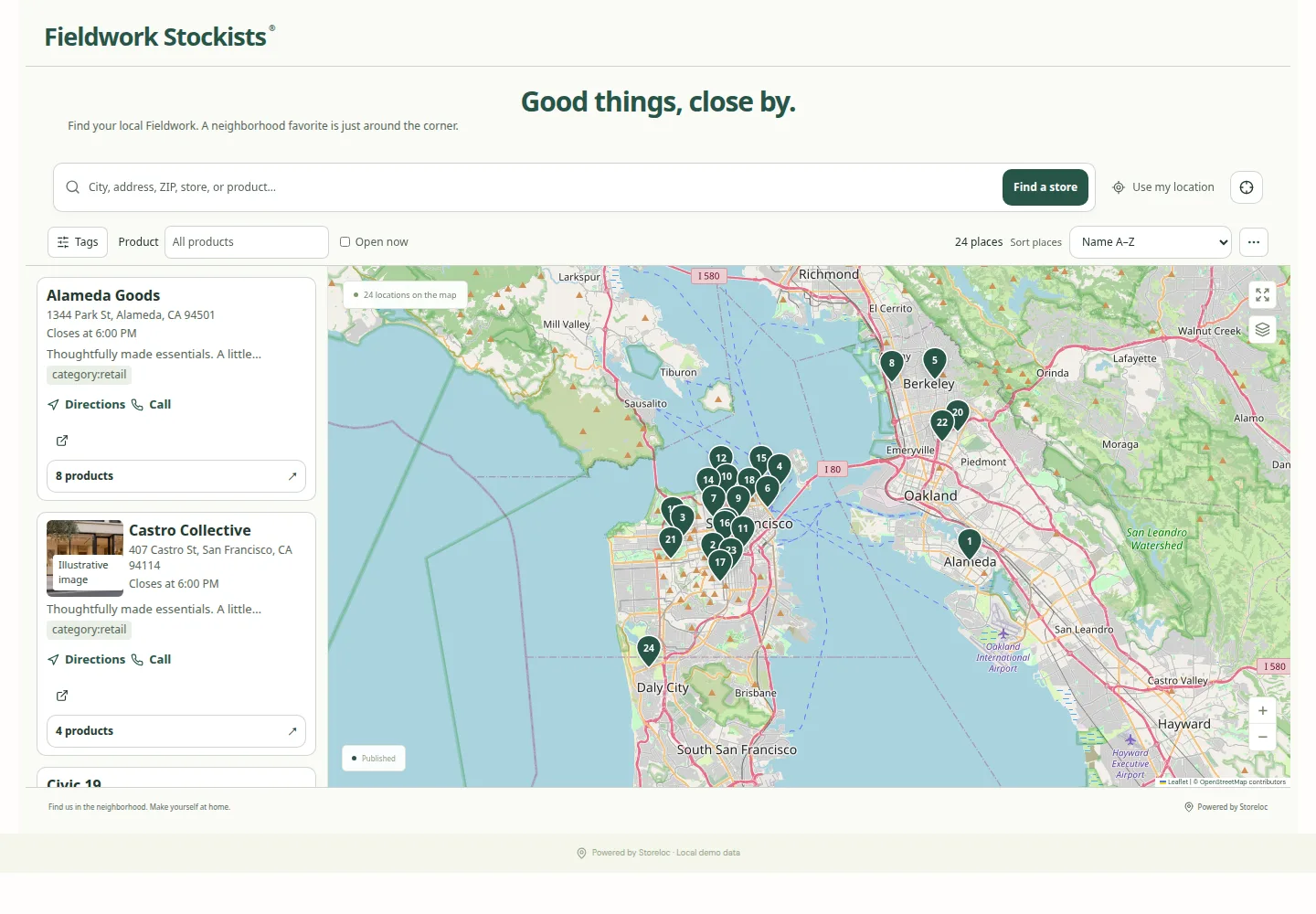
Find a place by name or area. Add product, brand and service filters to make results more relevant.
Opening information, facilities, photos and store-specific links give people context before the trip.
Directions, a call, a booking link or a product collection. Let each place offer the next step it needs.
Design and preview side by side. Keep the decisions that matter within reach.
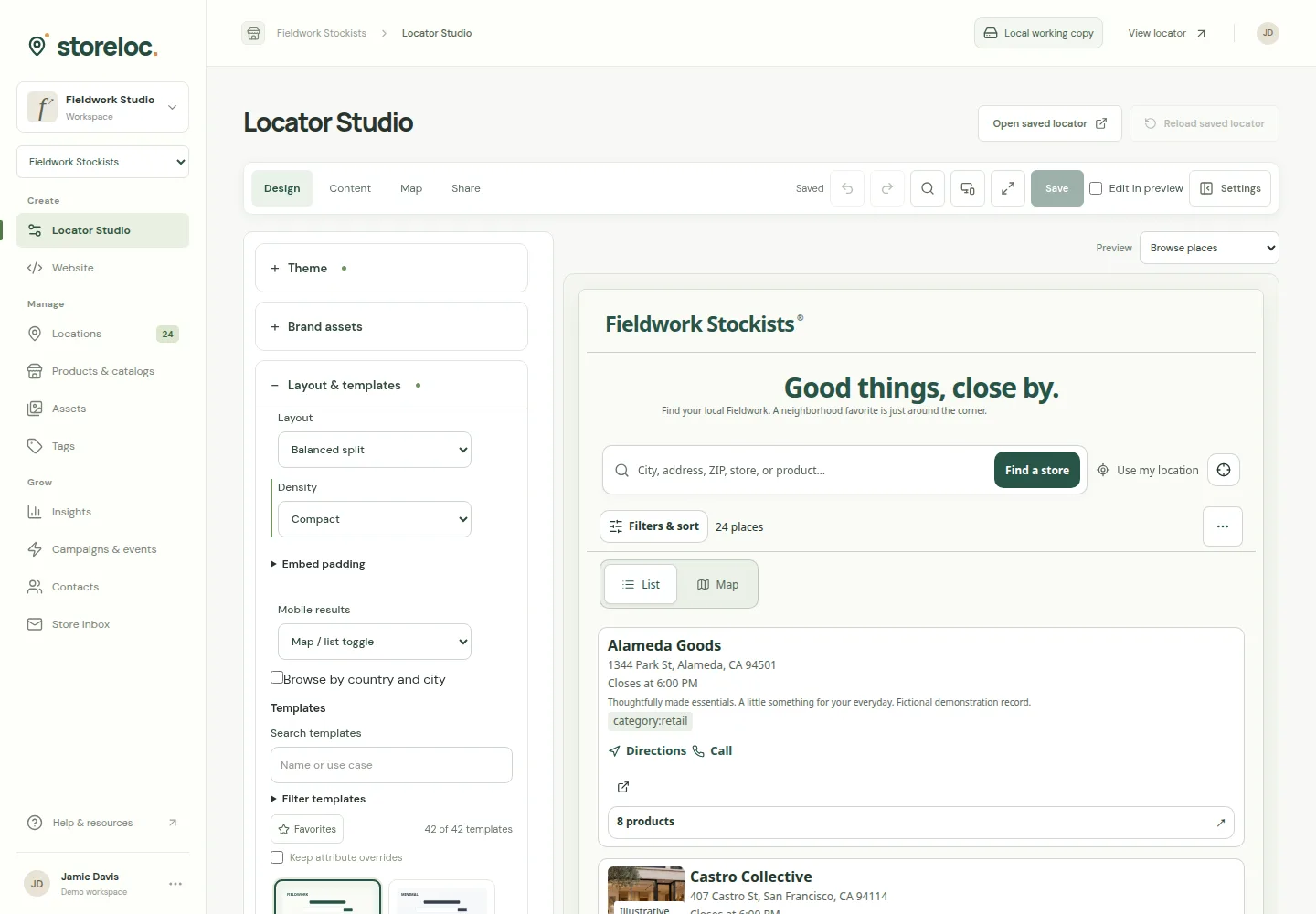
A single place to organize locations, store details and the products that connect them.
Explore ways to connectEdit, group and tag your locations. Review spreadsheet changes before you apply them.
Link products and catalogs to different stockists. Carrying a product and having a fresh stock observation remain separate facts.
Opening hours, store photos and useful attributes. Connected-source adapters are available with separate setup.
Give each project its own features and appearance while keeping your work organized.

Actual location management · Fictional store data

Actual Products & Catalogs · Fictional products and prices
Review accepted interactions and optional aggregate task outcomes, with clear coverage and privacy boundaries.

Actual product · Synthetic sample activity · Not visits or sales
Review locator activity and, when enabled, aggregate unmet tasks. Small task cohorts are withheld; neither report proves visits or sales.
Choose customer-visible content and review releases. Presentation choices and data-access rules remain separate.
Customer tasks, field reviews and guided publishing are available to enable for each project.
Offer a named product or service task, then show the places that match its exact criteria.
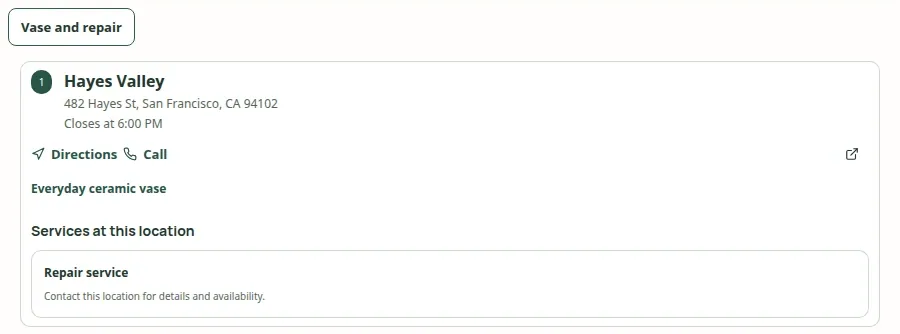 Open capture
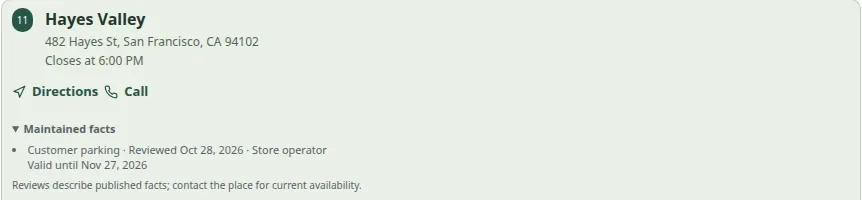
Review one published fact with its date and expiry. Changed or expired facts lose their confidence summary.
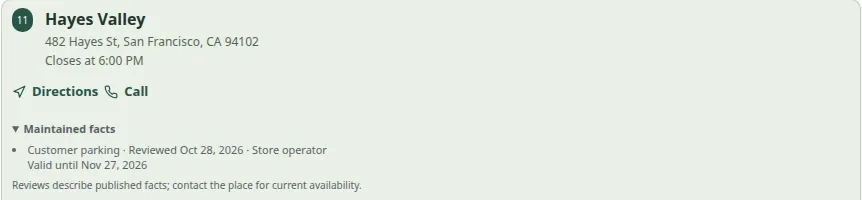 Open capture
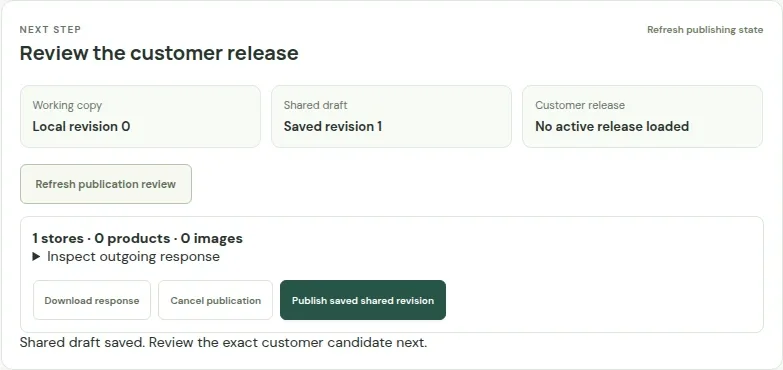
Save the shared draft, inspect the customer view and publish explicitly. A save alone does not publish.
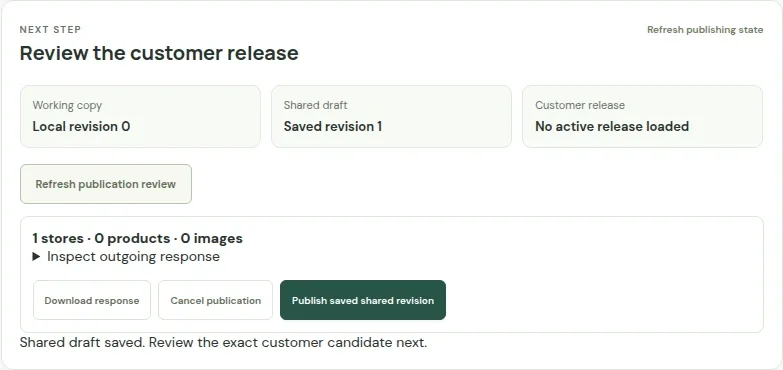 Open capture
Enable only the tools you need. Feed connections, notification delivery and the intended website require separate configuration and verification.
Yes. Customize layouts, result cards, typography, map treatments and markers. Choose a starting look, then adjust the details in Locator Studio.
Yes. Link products and catalogs to stores, then use product and brand filters to help customers find the right stockist. Carrying a product is separate from having a fresh stock observation.
Add them individually or review a CSV or supported XLSX import. Connected-source adapters, including an HTTPS JSON feed, need separate setup and credentials.
Yes. Optional authored tasks can combine supported product, service and public-attribute criteria. Review and publish the customer setup separately.
An existing authorized account can respond to a scoped fact request. An operator reviews the answer before a separate customer release; dates and expiry describe that field, not a venue certification.
The locator has an embed workflow and shared-link options. Review your website and data requirements with us before choosing a setup.
The pictured shops, product assortments and customer journeys are illustrative. They show the experience without exposing private merchant information.
Let’s work out what the right locator looks like for you.
Plan your locator